
Custom Chat Bot – Twitch
If you want to use your own Chat Bot, we will need some additional details from you in order to set this up.
If you haven’t already, create a new account on Twitch for use with your bot. You can use the same email and phone number as your streaming account but you may need to enable ‘Create Additional Accounts’
Go here: https://www.twitch.tv/settings/security

Then register your bot account
We then need your oauth token. This is what allows our software to talk in your chat as your bot.
Go here: https://antiscuff.com/oauth/
and select
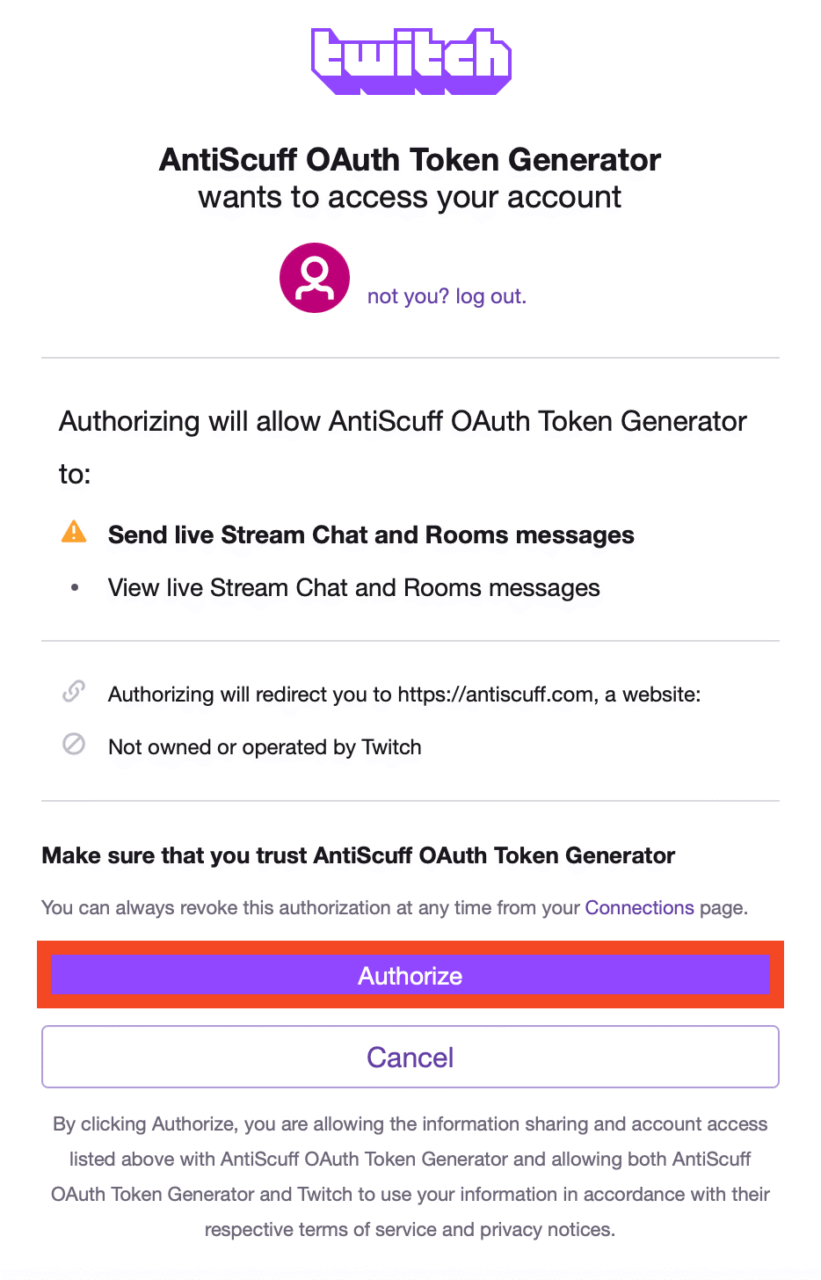
and then select ‘Authorize’, then you will be redirected back to our site
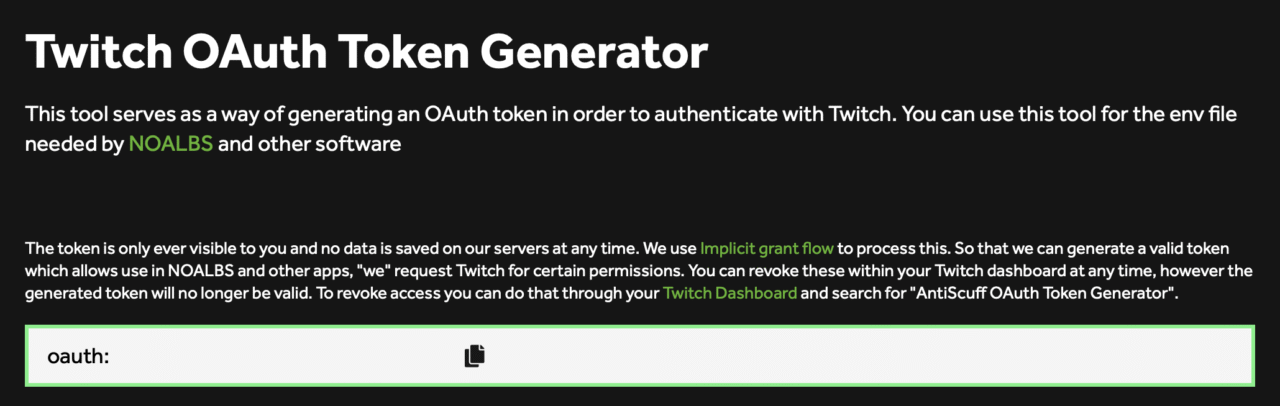
Copy the oauth:x box and send that data back to us via a secure support ticket along with the account USERNAME (not email)
Important:
You can revoke access at any time, and we will not be able to send chat messages or read your chat using that account. As soon as it has been revoked, it will no longer work.
All you need to do is go here: https://www.twitch.tv/settings/connections and look for ‘AntiScuff OAuth Token Generator’ under ‘Other Connections’ and press Disconnect
