For Android
Click here or search the Google Play store, search for Remote Desktop and select the app by Microsoft Corporation and install

Open the app, then select the + on the top right hand corner
Select Add PC

Select Add Manually if the app detects your local PC


PC Name
IP Address found within the Client Portal
User Account
Ask when required (Or Add user account if you want to store the details for quick reconnection)
Friendly Name
Add a name for the connection so you remember what it is for
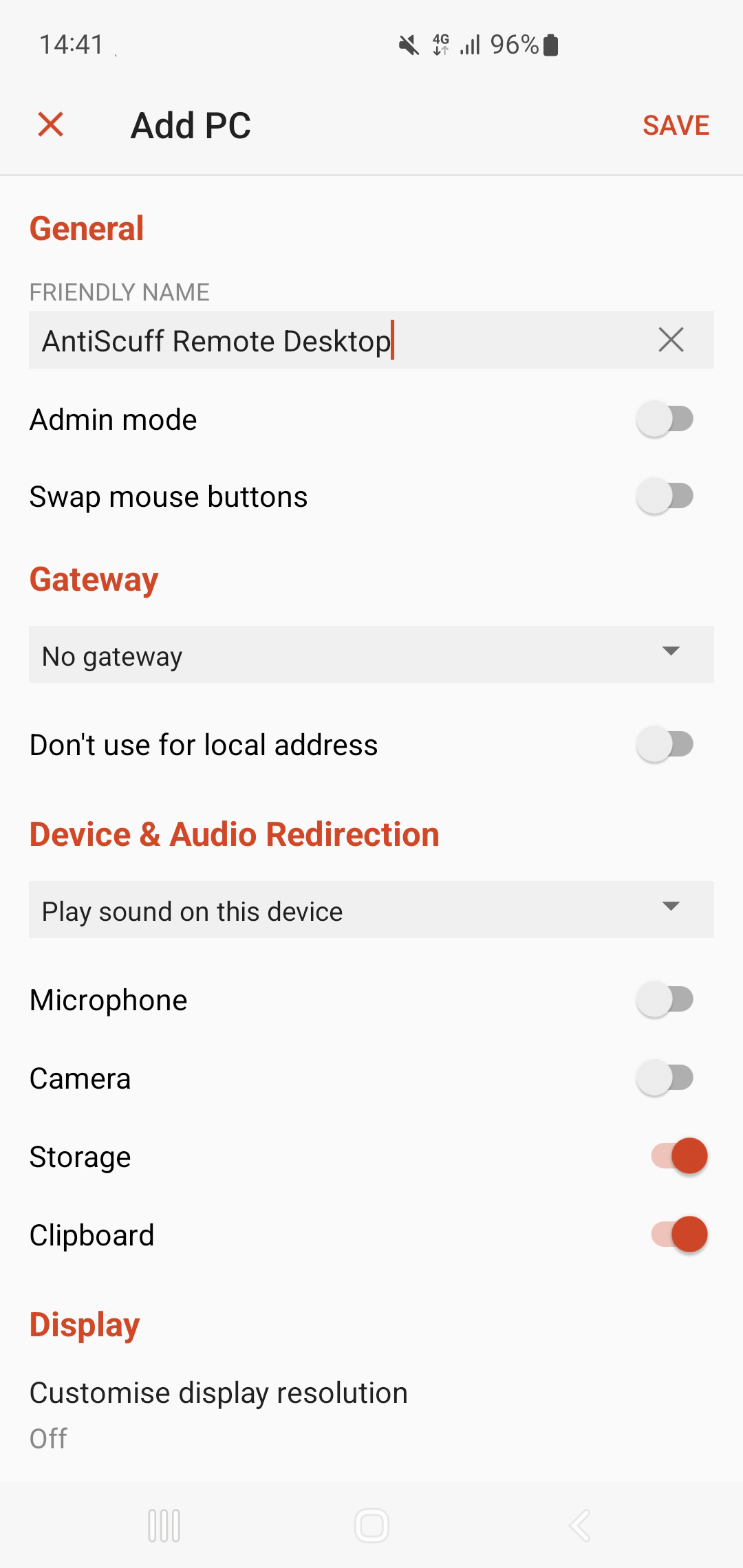
Toggle the following
- Admin mode (if it is an option - not on all devices)
- Storage (so you can transfer files)
- Clipboard (so you can copy and paste text such as stream keys)
Press Save

Press the newly created server - it will then ask for the Username and Password if it wasn't saved in the previous step.

Press Connect
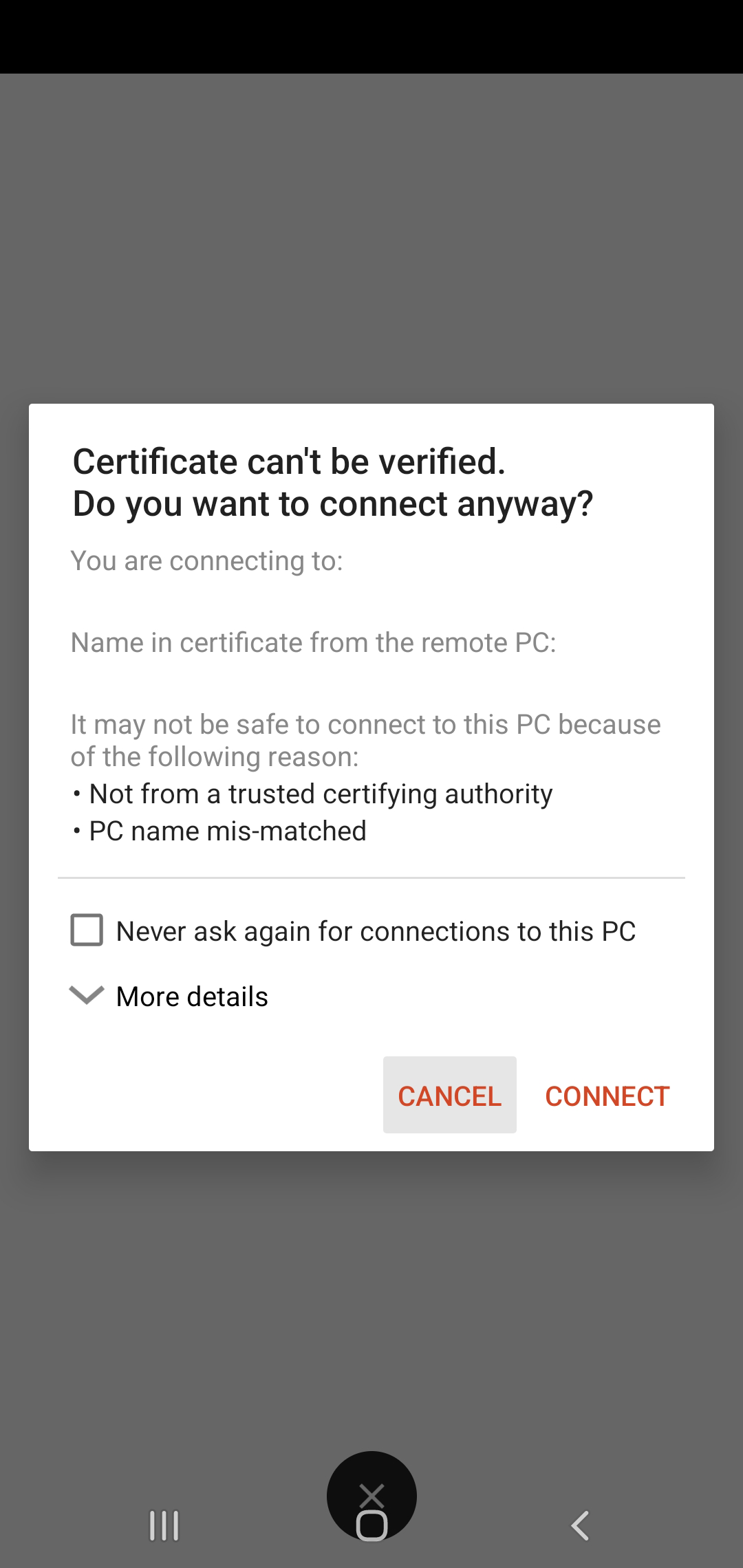
Press Connect

You should now see the desktop